Best Tools for Small Business Bookkeeping
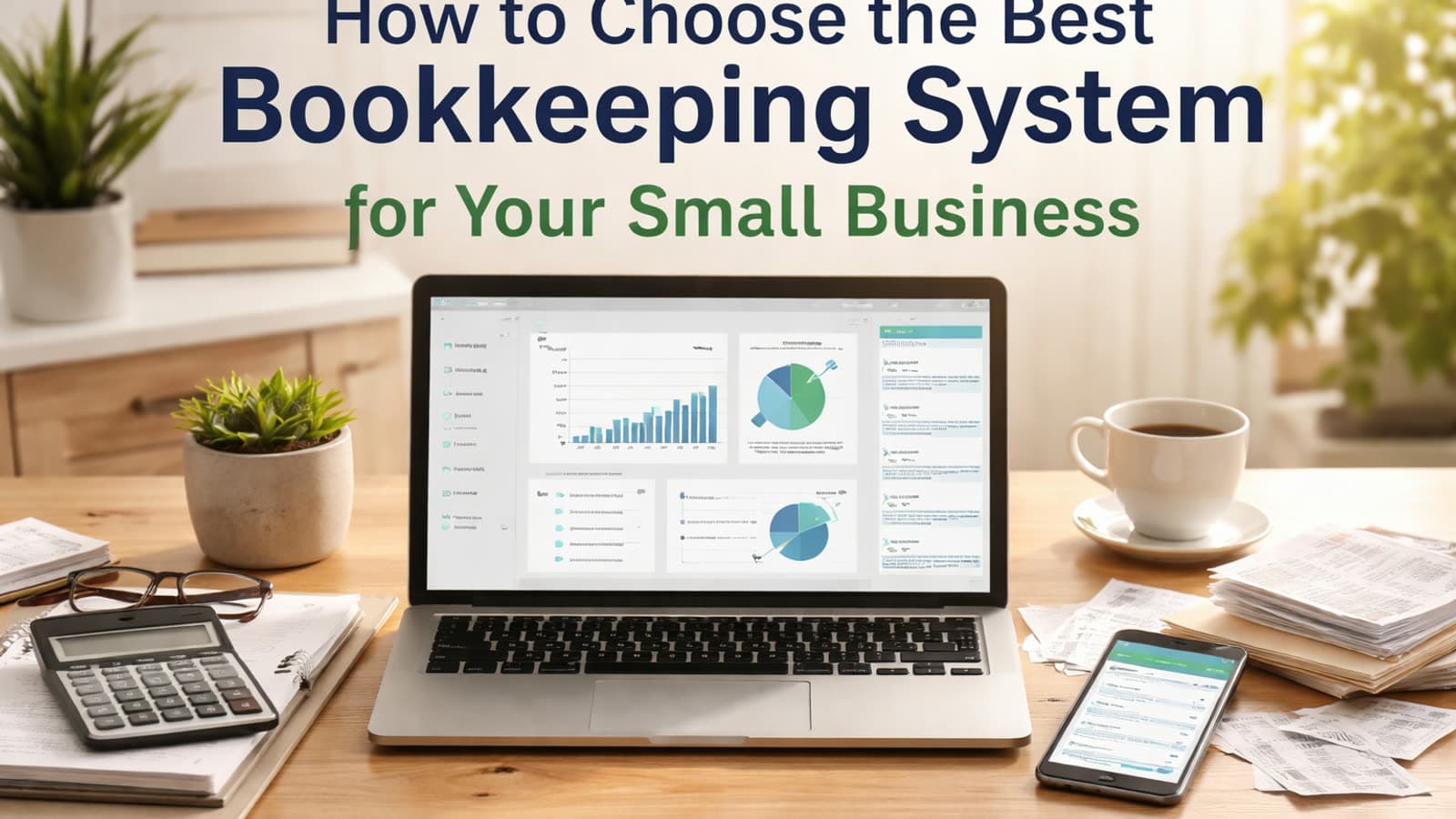
Selecting appropriate bookkeeping tools can enhance efficiency, minimize mistakes, and provide clearer financial insight. The optimal choice depends on your operation's scale, transaction frequency, sector specifics, and technical proficiency. With numerous solutions available, early implementation prevents expensive remediation efforts.
Spreadsheets
Manual income and expense tracking with complete customization flexibility.
Pros:
- Low cost or free
- Flexible formatting
- Simple for very small operations
Cons:
- Manual data entry increases errors
- No automatic bank feeds
- Limited reporting unless built manually
- Difficult to scale
- No audit trail
Best for: Very small startups or side businesses with low transaction volume. Most growing businesses outgrow spreadsheets quickly.
Cloud Accounting Software
Automated bookkeeping systems that connect to bank accounts, categorize transactions, and generate financial reports.
Pros:
- Automatic bank feeds
- Built in financial reports
- Sales tax tracking
- User access controls
- Scalable as the business grows
- Audit trail
Cons:
- Monthly subscription cost
- Learning curve for new users
Best for: Service based businesses, companies with employees, and any business that needs accurate financial reporting for lenders or tax compliance. For most small businesses, this is the most practical long-term solution.
Bookkeeping and Expense Tracking Apps
Applications emphasizing receipt capture, mileage tracking, and mobile expense logging that often integrate with accounting software.
Pros:
- Easy receipt scanning
- Mobile friendly
- Saves time on expense tracking
Cons:
- Limited reporting on their own
- Often require integration with full accounting software
Best for: Contractors, consultants, and businesses with frequent travel or field expenses. Apps typically supplement, not replace, accounting software.
Choosing Based on Business Size and Industry
Sole proprietors and freelancers typically need basic cloud systems with lower transaction volumes.
Retail or inventory heavy businesses should choose software with strong inventory and sales tax features.
Construction or project-based businesses benefit from job costing and progress billing functionality.
Growing businesses with employees require payroll integration and multiuser access.
As complexity increases, so should the strength of your system.
Beginner vs Advanced Users
Beginners benefit from:
- Automated bank feeds
- Simple dashboards
- Minimal manual entry
Advanced users often need:
- Custom reporting
- Department or job tracking
- Strong internal controls
- Payroll and tax integrations
The right system should match both your current knowledge level and your growth plans.
Choosing and Implementing the Right System
Selecting bookkeeping software involves more than evaluating features—it means establishing a framework supporting compliance, reporting accuracy, and sustainable expansion.
We help small businesses:
- Evaluate which system fits their size and industry
- Recommend solutions aligned with growth goals
- Integrate bank feeds, payroll, and third party apps properly
- Clean up and migrate data from spreadsheets
- Train owners and staff to use the software confidently
The right software only works when it is set up correctly. Proper configuration and clean processes make the difference between clarity and frustration.
Final Thoughts
Spreadsheets may work temporarily, but most small businesses benefit from cloud accounting software supported by expense tracking tools. Investing in the right system early reduces errors, improves financial visibility, and strengthens compliance as your business grows.
Want help putting this into practice?
Our team handles accounting, HR, and operations for small businesses nationwide.
Book a Free Consultation